How trap nights are counted
A trap night is one camera working for one day. It is how you turn raw counts into a rate you can compare between sites.
The short version
Trap nights come from the capture times in your files, both images and videos. For each deployment, AddaxAI takes the first and last file, and counts the days between them, including both ends.
trap nights = (date of last file) - (date of first file) + 1
A deployment whose first file is from 1 September and last from 16 September counts as 16 trap nights. The plus one is there because both the first and the last day count. Without it a camera that ran for a single day would come out as zero, since its first and last date are the same.
What this means in practice
Two cases where the number is not what you expect.
-
Your camera ran longer than its files suggest. You put it out on 1 September and collected it on 30 September, but the last file is from 16 September because the battery died. AddaxAI counts 16 trap nights, not 30, because there are no files after the 16th.
-
Your camera recorded on only a few days. First file 1 September, last file 16 September, but nothing in between. It still counts 16 trap nights, because the camera was working across that whole window, it just saw nothing.
Deployments with subfolders
One deployment can hold several subfolders, for example one per card swap. AddaxAI measures each subfolder on its own and adds the results up. It does not run from the very first file to the very last, so a gap between two subfolders is not counted as effort.
| Subfolders in one deployment | Trap nights | Why |
|---|---|---|
| 1 to 15 August | 15 | One stretch |
| 1 to 15 August, and 1 to 15 October | 30 | 15 + 15. The weeks in between are not counted, the camera was not out |
| 1 to 15 August, and 15 to 31 August | 31 | 15 + 17, minus the day they share |
The last row is the card swap. Some cameras, Reconyx and Bushnell among them, start a new folder partway through a day, so the last file of one subfolder and the first file of the next carry the same date. That is one day of effort, not two, so AddaxAI counts it once.
Because of this, the effort stays right even if you analyse a whole season of card swaps, or a few cameras, in one go. The trap nights still add up. The one thing it needs is that each camera period sits in its own subfolder. Files from different periods dropped into one folder read as a single long stretch, gap included.
The one exception is a deployment with "Paired cameras" ticked: its subfolders are dependent cameras, so the effort runs from the first file of any camera to the last, once. See paired cameras.
Rates per 100 trap nights
Most charts show a rate, not a raw count:
rate = observations / trap nights x 100
This lets you compare a camera that was out for two weeks with one that was out for two months. A site with 40 observations over 20 trap nights (200 per 100 trap nights) is busier than a site with 60 observations over 60 trap nights (100 per 100 trap nights), even though the second has more observations.
Where to check the number
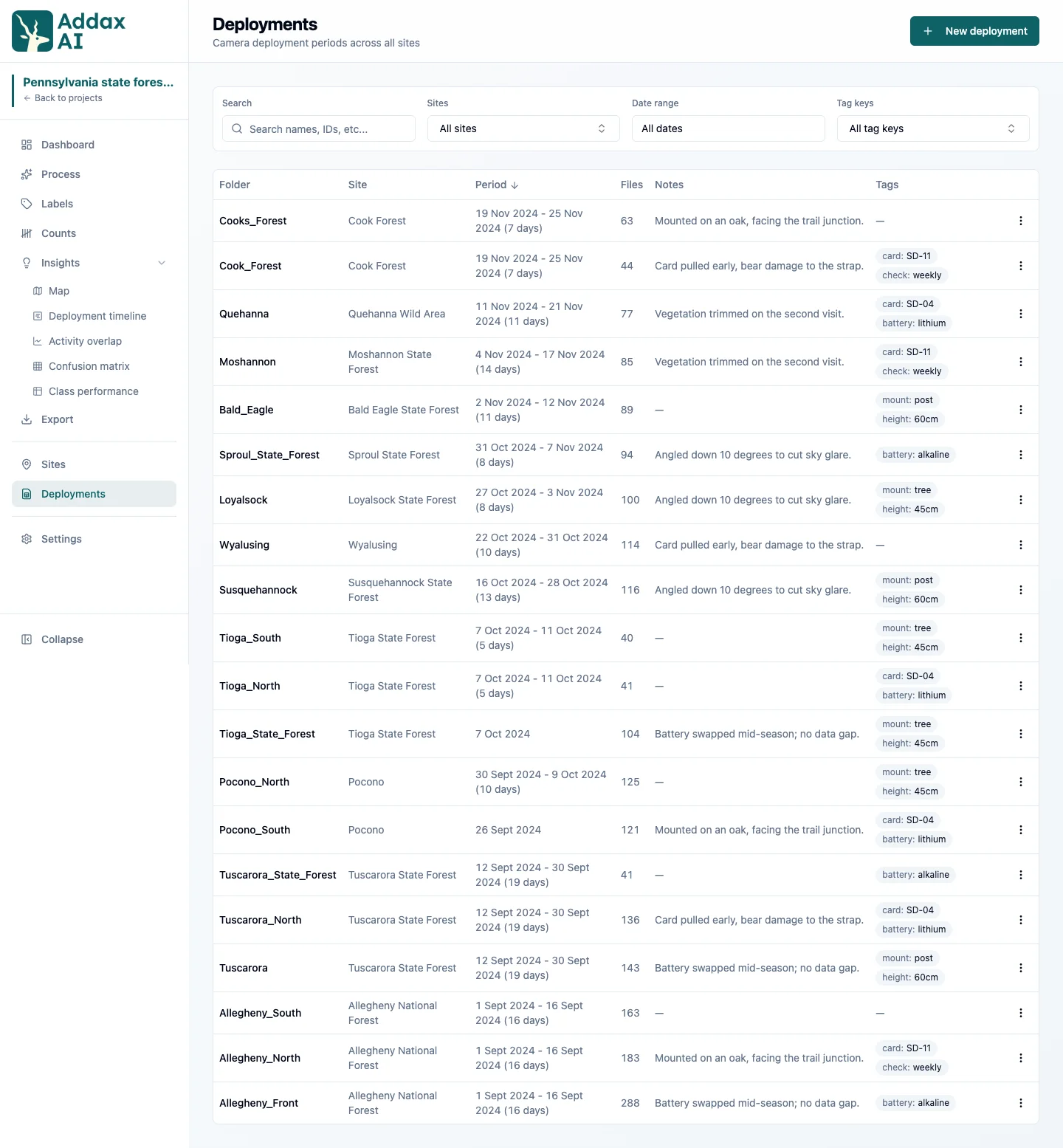
The Deployments page shows the period and the file count for every deployment, and the Deployment timeline shows the same thing as bars, plus how many cameras ran at once. If a number looks wrong, check the first and last file of that deployment. Files with no date do not count at all. See capture times.