Troubleshooting
What to do when AddaxAI misbehaves, and how to send the information that helps most.
Export a diagnostic report
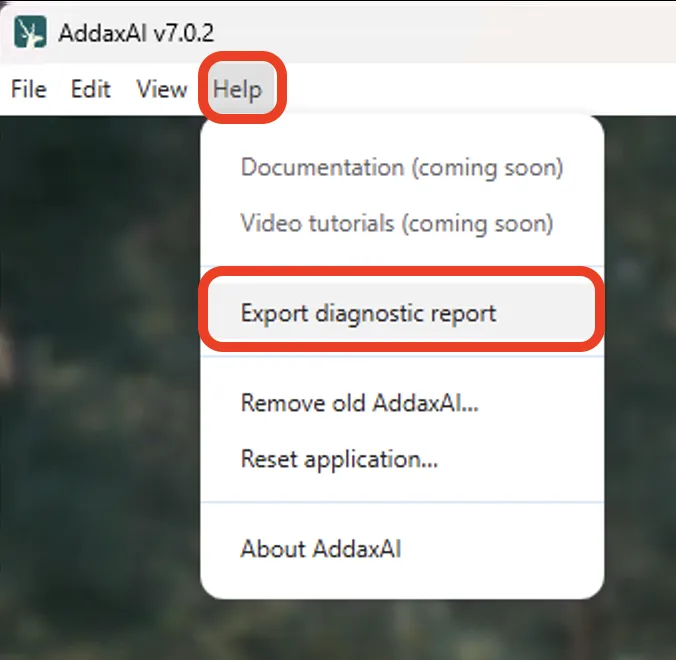
If something goes wrong, the fastest way to get help is a diagnostic report. Open Help > Export diagnostic report. It builds a zip of logs and saves it to your Downloads folder. Attach that to an email to peter@addaxdatascience.com, along with what you were trying to do, what you expected, and what actually happened. A screenshot or short screen recording helps a lot.
If the app won't open
Zip the logs folder by hand and email it.
| OS | Logs folder |
|---|---|
| macOS | /Users/<username>/AddaxAI/logs/ |
| Windows | C:\Users\<username>\AddaxAI\logs\ |
| Linux | /home/<username>/AddaxAI/logs/ |
Nothing is ever uploaded automatically. Sharing logs is always an explicit action you take.