Go back to version 6
Version 6 is the legacy AddaxAI, and the latest release is 6.37. If you would rather use it than version 7, here is how to install it. This page covers Windows and macOS. Linux is left out, because version 6 was buggy on Linux and never worked well there.
Version 6 is not maintained. New models and bug fixes only go into the latest version, so version 6 stays as it is.
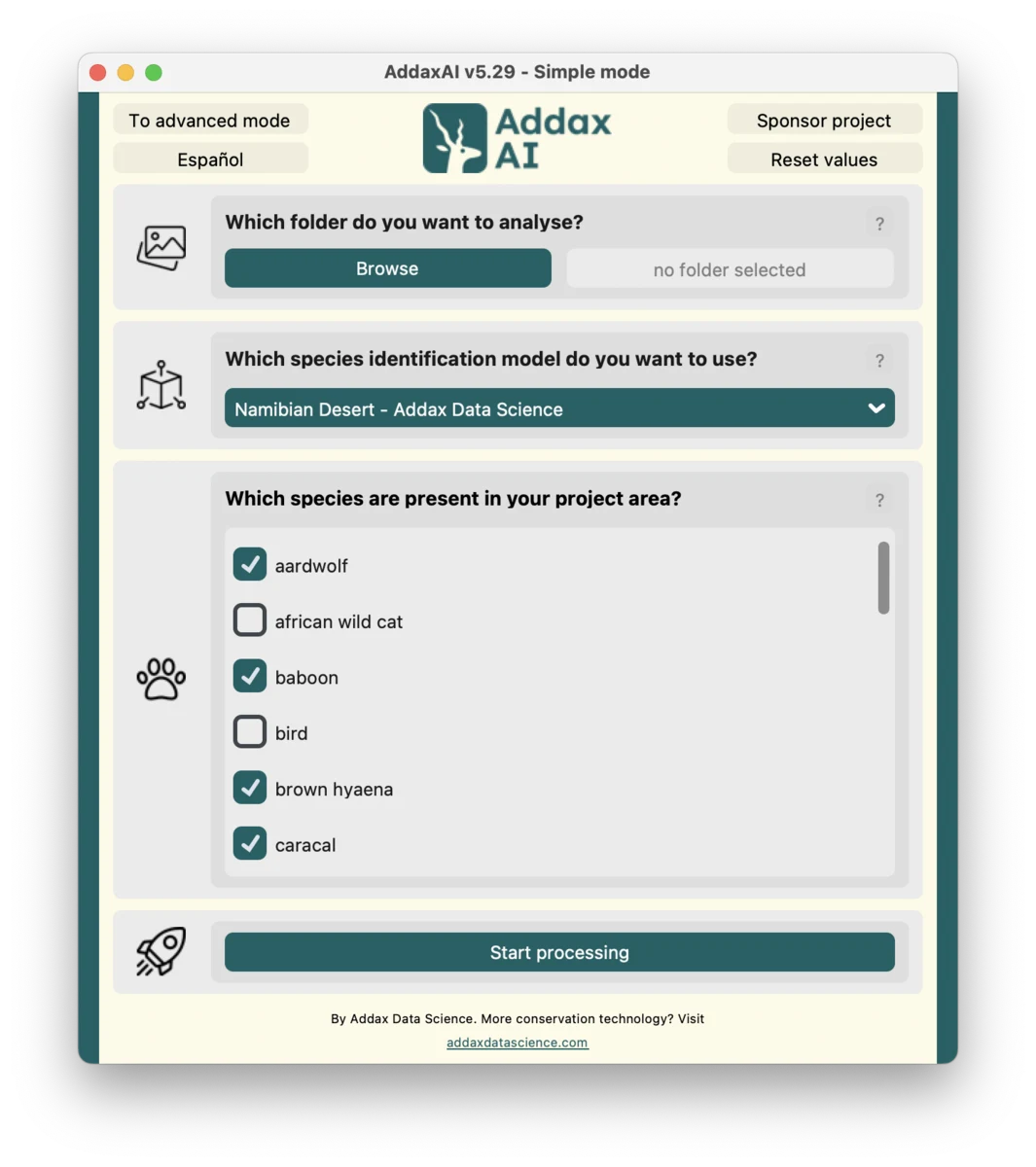
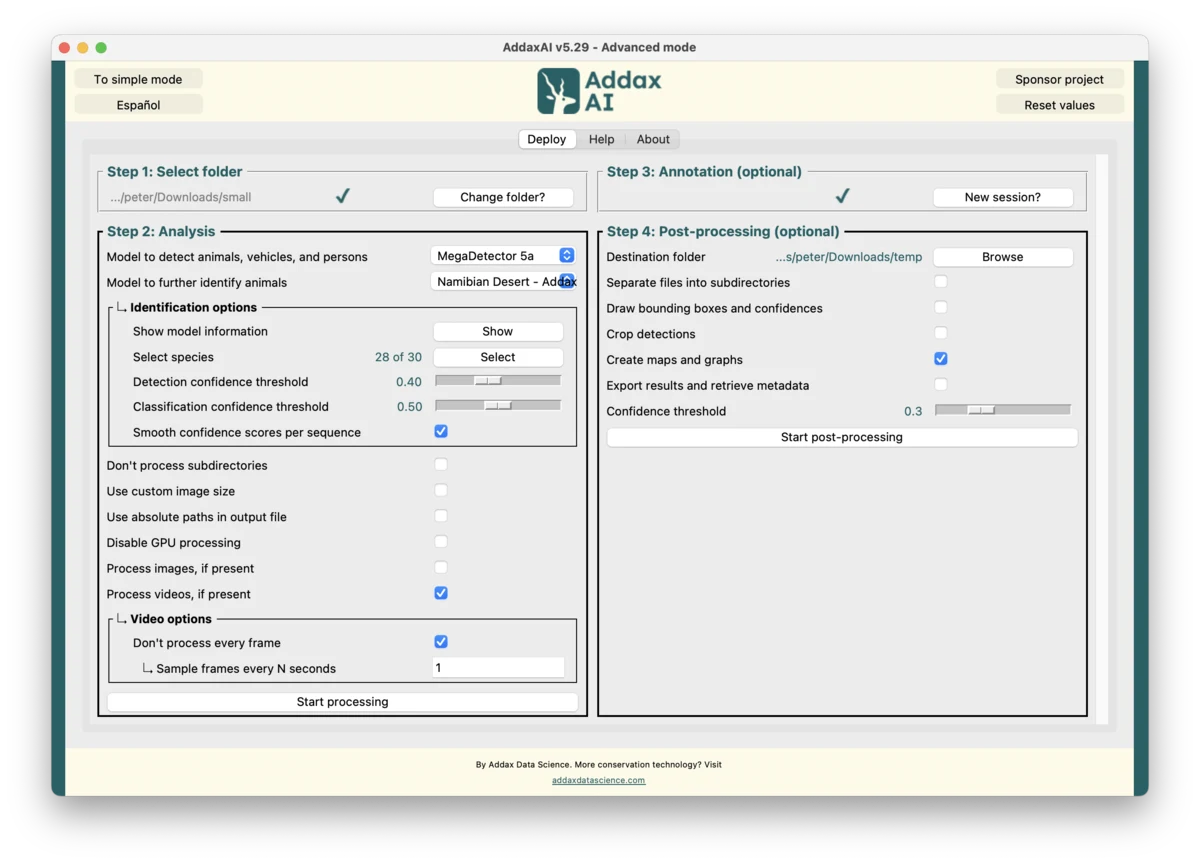
Version 6 and version 7 are separate
Version 6 and version 7 do not share data, and they install in different places. If you prefer version 6 over version 7, you'll need to uninstall version 7 manually. The steps are here. The other way round, removing version 6 from a computer that runs version 7, is under start over with a clean install.
Windows
- Download windows-installer.exe.
- Run it. Windows may warn that the publisher is unknown. Choose More info, then Run anyway.
If the installer is blocked on your machine, for example by antivirus or a company policy, you can install version 6 manually from a ZIP file. If the app later fails to download its analysis environments, you can download those manually as well. The same goes for a model that fails to download: the manual model download page lists every model with its file and folder.
macOS
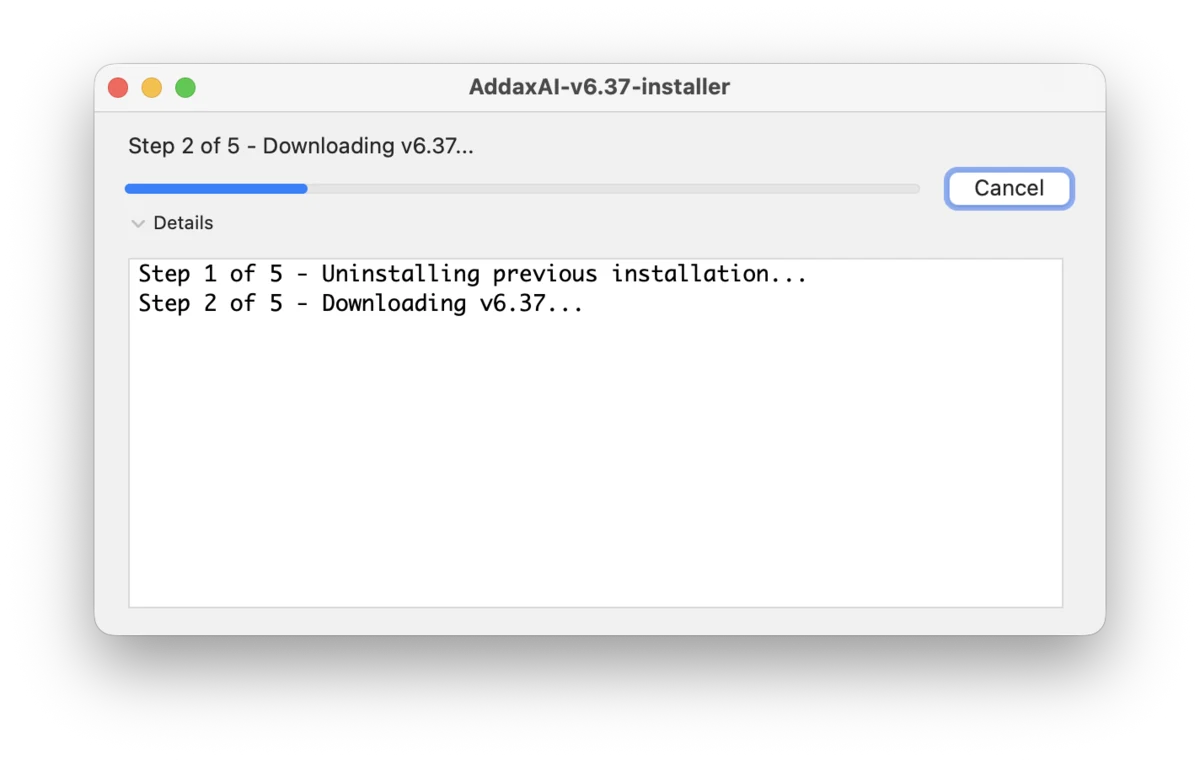
- Download macos-installer.zip and unzip it. You get an installer app.
- Open the installer app. Right-click it and choose Open.
- macOS often blocks unsigned apps and says it cannot check the developer for malware. If the dialog has no Open button, allow it by hand:
- Open System Settings, then Privacy and Security.
- Scroll down to the Security section, where a line says the installer was blocked.
- Click Open Anyway, and confirm with your password or Touch ID.
- Open the installer again, and click Open on the last dialog.
- The installer then downloads and sets up version 6.