Choose a workflow
AddaxAI has two ways of working. Both run the same AI, so the detections and species labels are identical. What differs is what happens next: a folder run hands you the raw results, a project helps you interpret them.
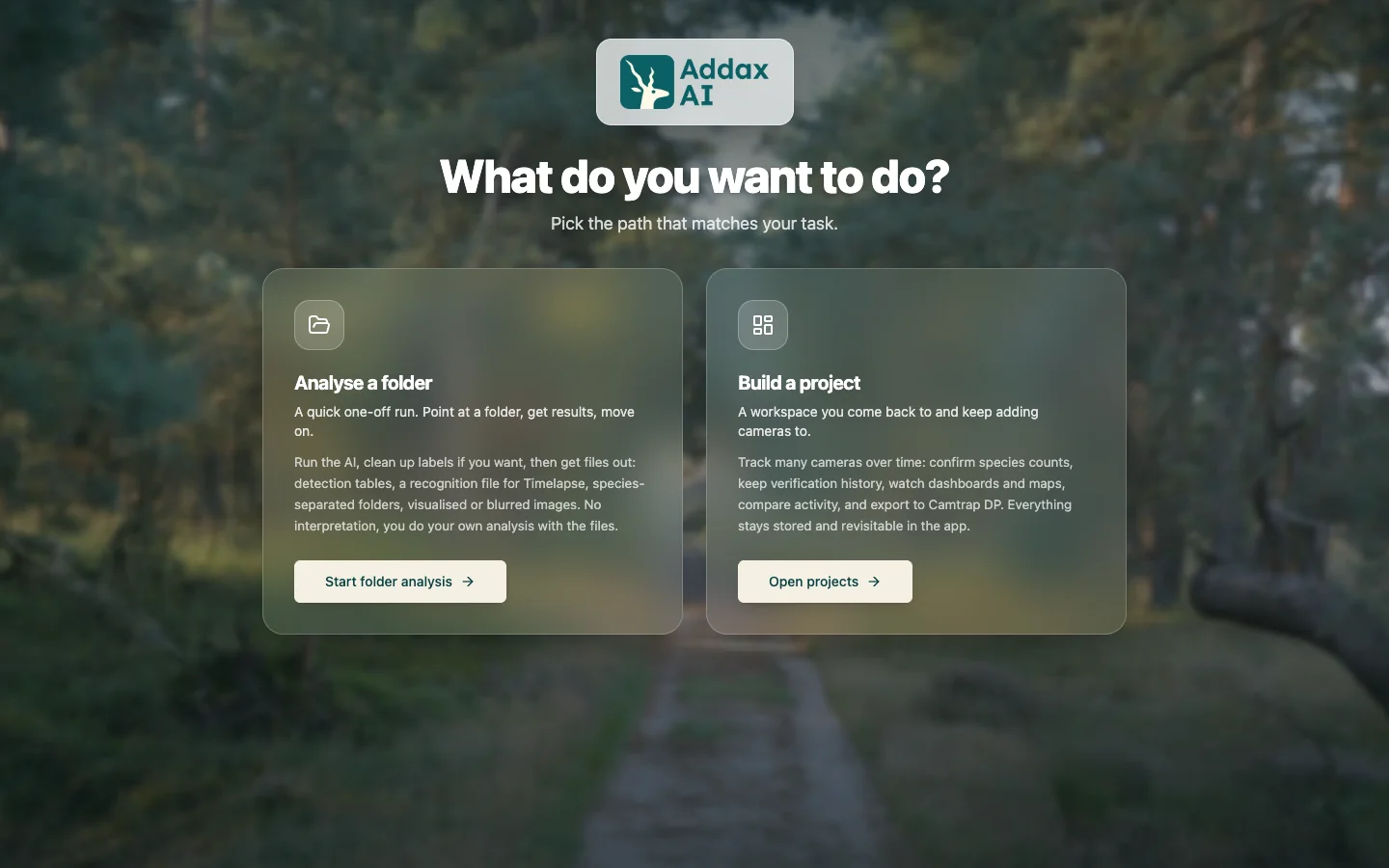
Analyse a folder
A quick, one-off run.
- Best for
- One batch of imagery you will analyse elsewhere.
- You get
- Detection tables, a Timelapse recognition file, species-separated folders, and images with the animals marked.
No map, charts, or history. You take the tables into another tool such as Timelapse, R or Zooniverse.
Build a project
A workspace you keep adding to.
- Best for
- Exploring and interpreting your data inside AddaxAI.
- You get
- Detection tables, a dashboard, a map, activity charts, trap-night rates, a verification history, and Camtrap DP export.
You add where each camera was. That is what powers the map, the rates and the trends. Species folders come from the Export page.
Nothing is locked in. A folder run can become a project later, keeping every detection and correction, with nothing analysed again.
What differs
The AI output is the same in both. The difference is the layer AddaxAI builds on top.
| Analyse a folder | Build a project | |
|---|---|---|
| Detections and species labels | Same | Same |
| Counts per species | No suggestions | Suggested per event, review on the counts page |
| Trap nights | Not available | Available |
| Rates per 100 trap nights | Not available | Available |
| Maps and graphs | Not available | Available |
| Timelapse export | Written next to your photos | Written into each deployment folder |
A folder run hands you detections. A project turns them into observations: a species within an event. Ten photos of one deer in two minutes are ten detections, but one observation. See detections, events and observations.
Still not sure
Start with a folder run. It is the quickest way to see what the AI found, and you can promote it to a project whenever you want more, without losing anything or analysing again.
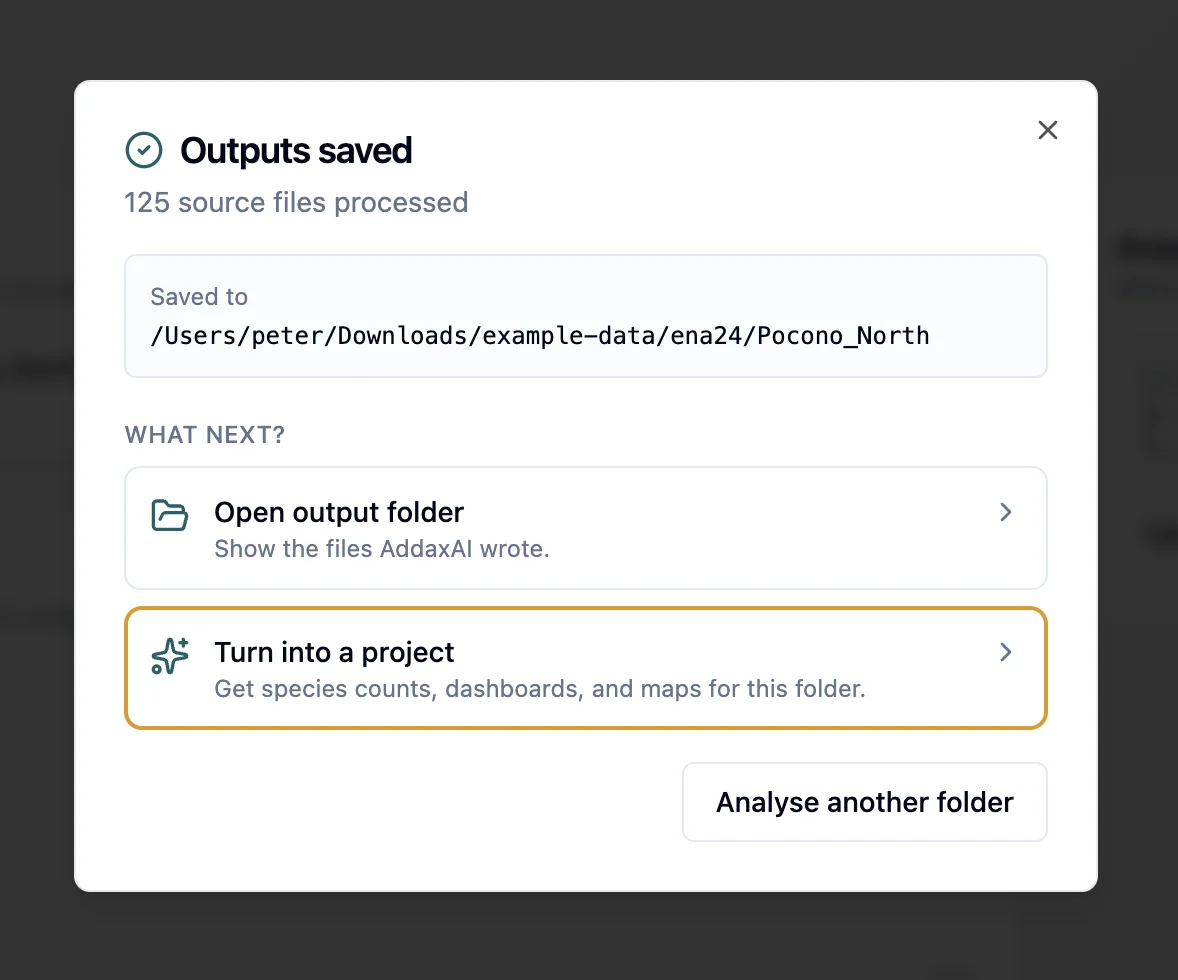
Go straight to a project if you already know you want counts, rates or a map, and you can add where each camera was.
Do you use Timelapse? Both work. A folder run saves the recognition file next to your photos; a project writes one into each deployment folder from the Export page. See use results in Timelapse.